Tutorials
SQL4Automation makes direct communication between controller and database straightforward and efficient.
You'll find more practical explanations, guides, and in-depth knowledge on our YouTube channel - ideal for anyone who wants to learn more about using SQL4Automation and its capabilities.
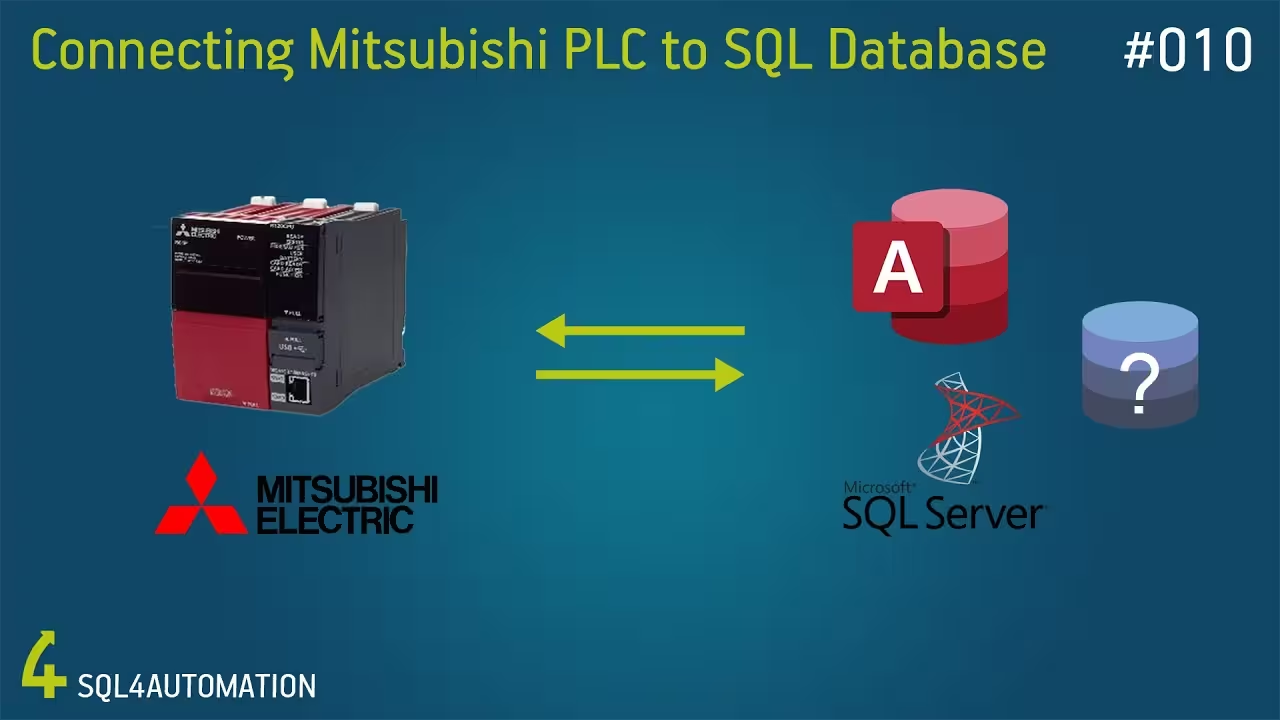
Connecting a Mitsubishi PLC with SQL Databases
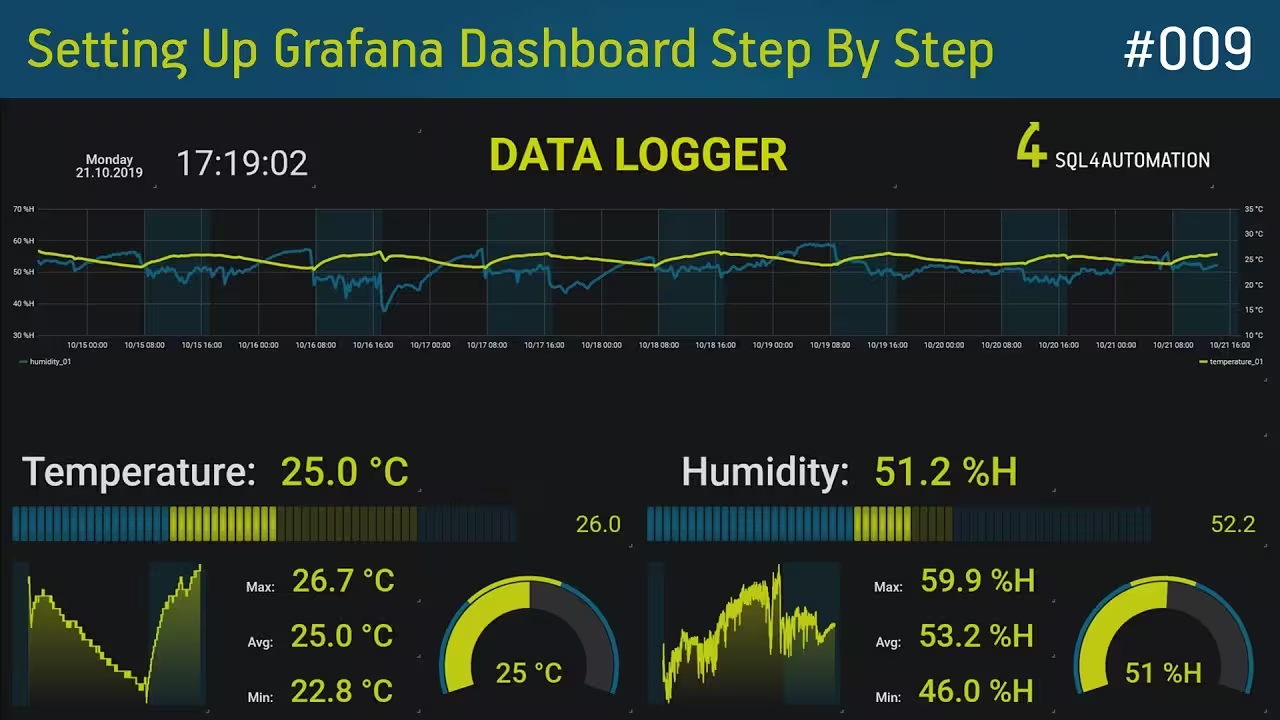
Setting Up a Grafana Dashboard Step by Step
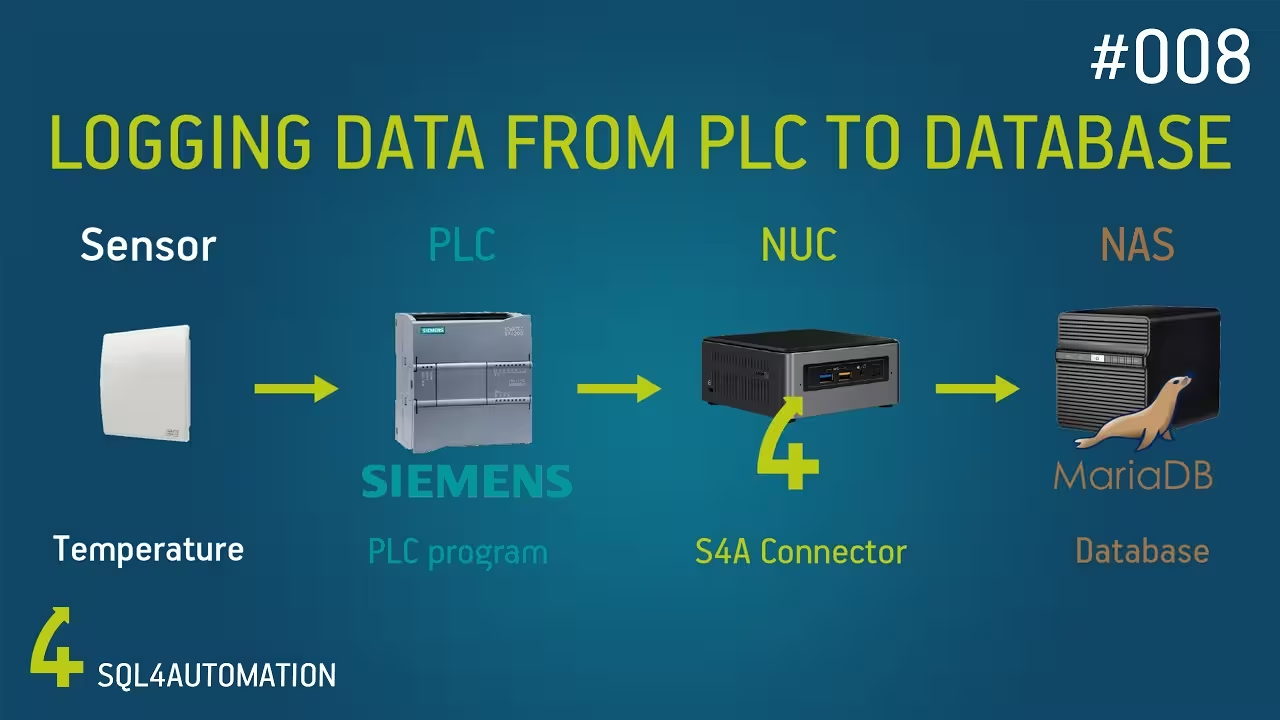
Logging Sensor Data from a Siemens PLC to a MariaDB Database
Download and Installation of SQL4automation on Ubuntu
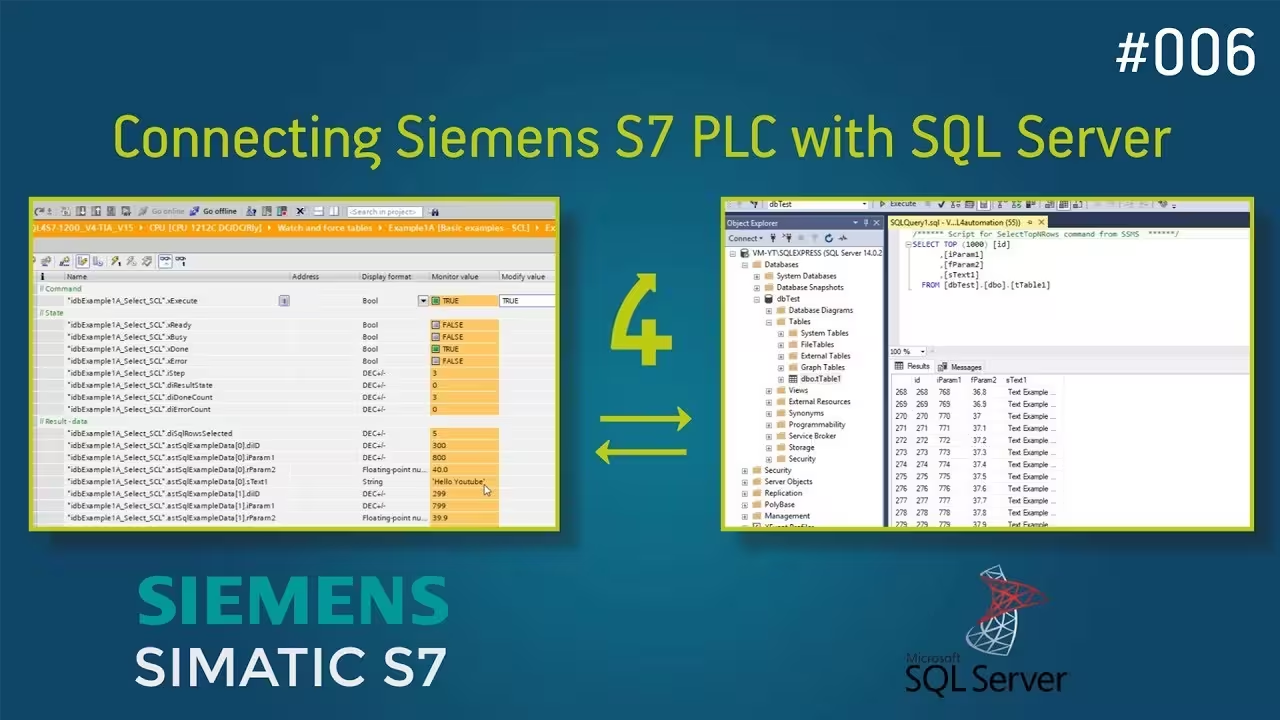
Connecting a Siemens S7 1200 & 1500 PLC with a SQL Server Database
Connecting S4A with Microsoft SQL Server
FAQ's
Below you will find answers to frequently asked questions about our services.
Why is SQL4automation faster than other solutions?
SQL4automation communicates directly with the PLC controller and SQL database, without OPC servers, middleware, or buffer systems. This eliminates delays caused by additional protocols or conversions. SQL is executed directly from the PLC. The simple SQL query language also enables fast and targeted data retrieval, further boosting performance.
Can I use SQL4automation with .NET?
Yes. SQL4automation provides a standardized OLEDB/ODBC interface that enables access from .NET applications. You can design your application to access the PLC using SQL commands, just like with a conventional database. This allows you to connect payment systems, MES, or web apps to machines.
What are typical use cases from our customers?
Direct and flexible communication between production and IT enables diverse practical examples without separate interface programming: Automatically writing production data to SQL databases, reading order data from ERP/MES systems, calculating OEE metrics directly from the PLC, process documentation and traceability of machine data.
Switch to SQL4automation now.
Connect industrial controllers directly to SQL databases. Proven in practice since 2007 for maximum performance and security, completely without middleware.